

Open Source SQL
PostgreSQL
147data types
99.99%uptime

Plug straight into the engines your team already runs. No adapters. No translation layers. Schemas, types, and transactions stay exactly as you wrote them.


An empty canvas becomes a fully documented database in three steps. No setup, no config — just type and watch.
Type DBML in our editor, or drag in an existing SQL dump. We parse it instantly — no config, no migrations required.
Try it nowPrefer a visual approach? Add tables, edit columns, pick types from a dropdown — all without writing a single line of code.
Try it nowWatch your schema draw itself. Relationships snap into place, tables auto-layout, and every edit stays in sync.
Try it nowExport back to SQL, push via CLI, or hand your team a read-only link. Everyone stays on the same schema.
Try it nowFrom code to diagram,
from click to schema
design your way,
in seconds.
Everything you need to design, document, and ship your database — scroll to explore each feature.
Manual save anytime, plus automatic saves every 5 minutes in the background. Visual indicators show unsaved, saving, and saved states so you always know where you stand.
Use the @designsql/sync CLI to push and pull schemas between your database and DesignSQL. Keep your development database and visual documentation always in sync.
Already have a running database? Import schemas from PostgreSQL, MySQL, MSSQL or DBML using our CLI tool.
Export your schema to PostgreSQL, MySQL, MSSQL, Oracle SQL, DBML, or JSON. Export diagrams as SVG, PNG, or JPG. Preview before downloading, or copy straight to clipboard.
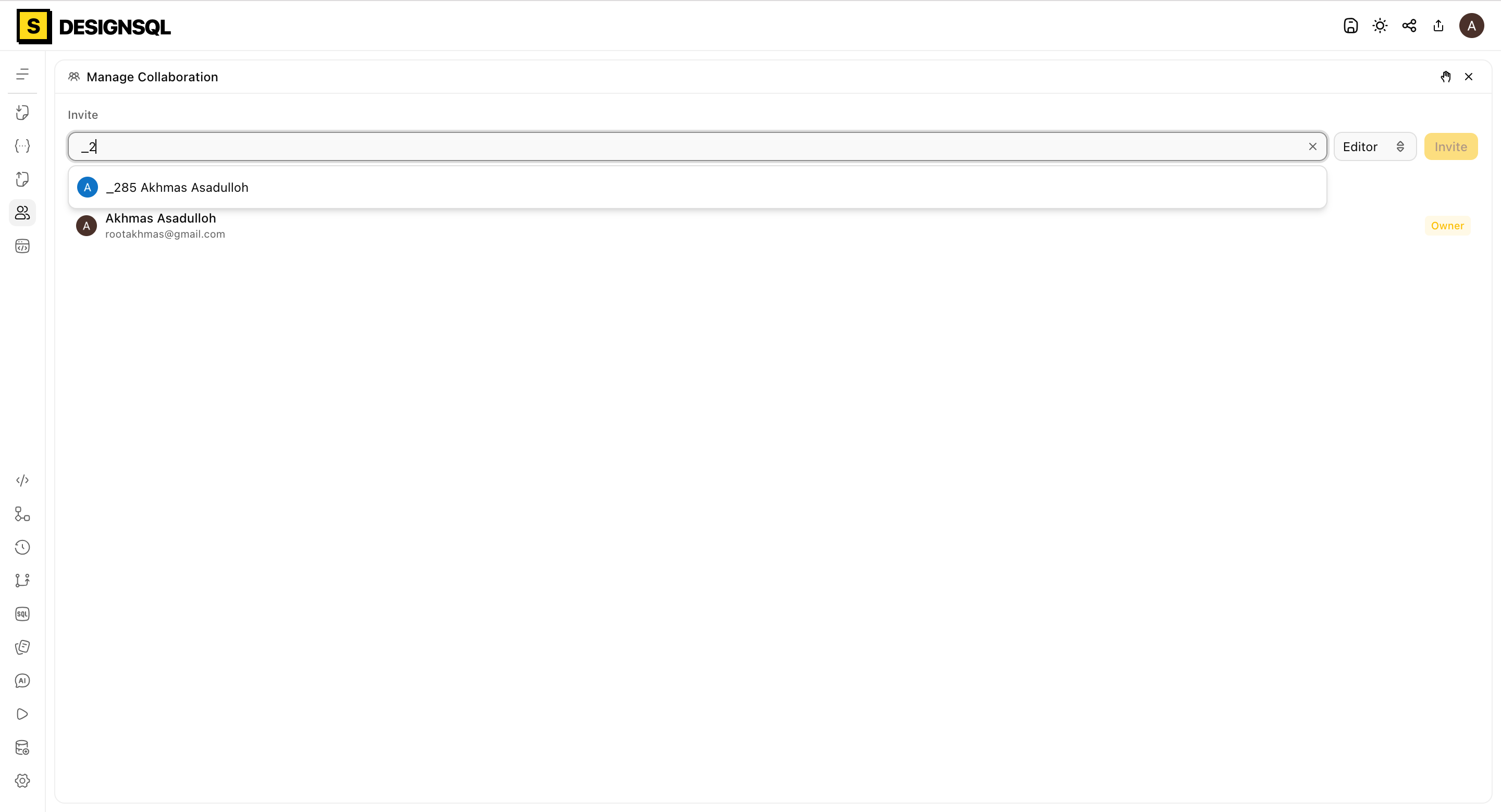
Choose from 9 editor themes, 4 diagram styles, 8 monospace fonts, and fine-tune font size, word wrap, line numbers, and tab size. Settings sync across all your devices.
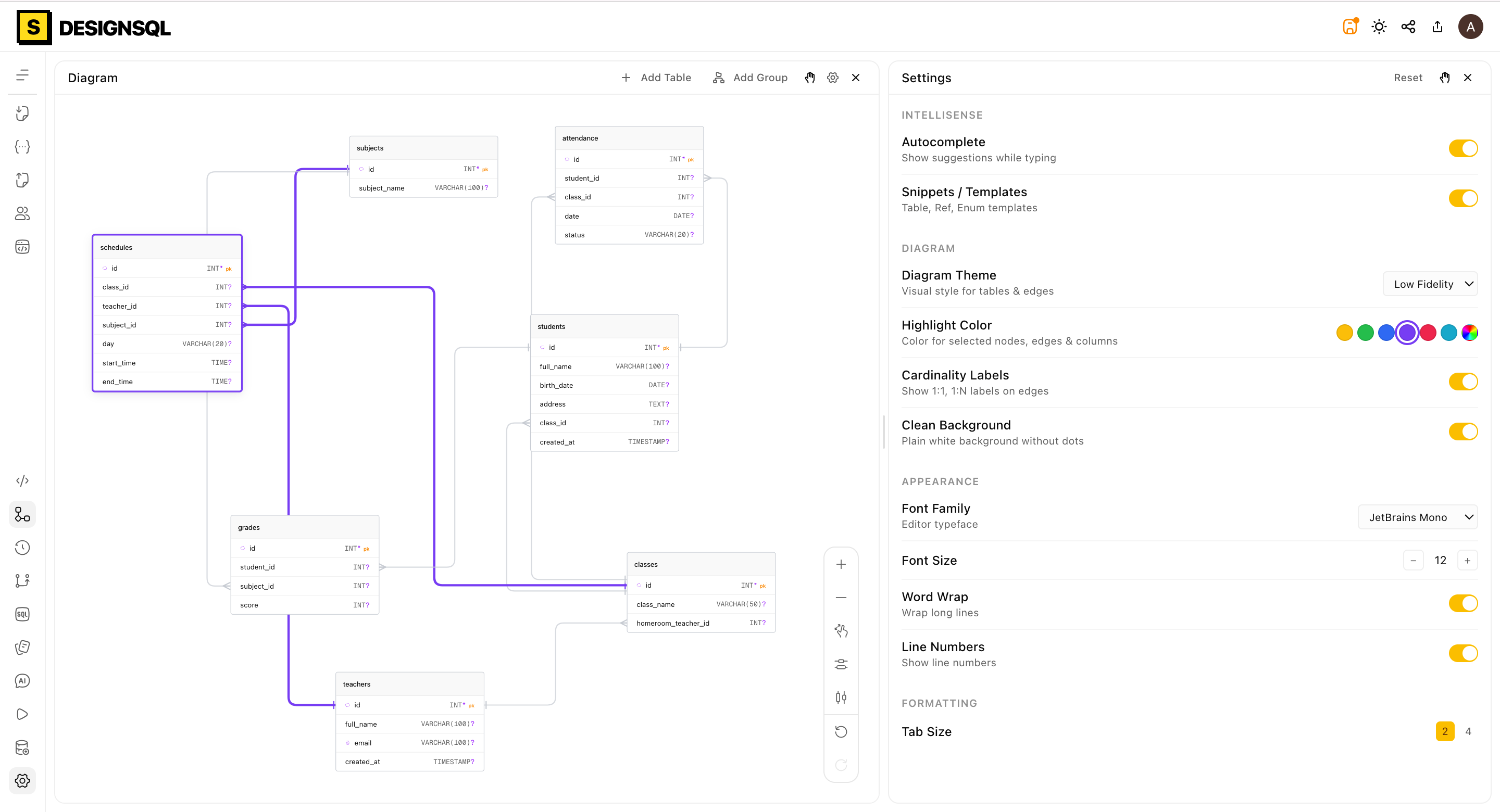
Write rich-text documentation linked directly to each table — no need for separate Notion or Confluence pages. Reference columns with @mentions that link back to the diagram.
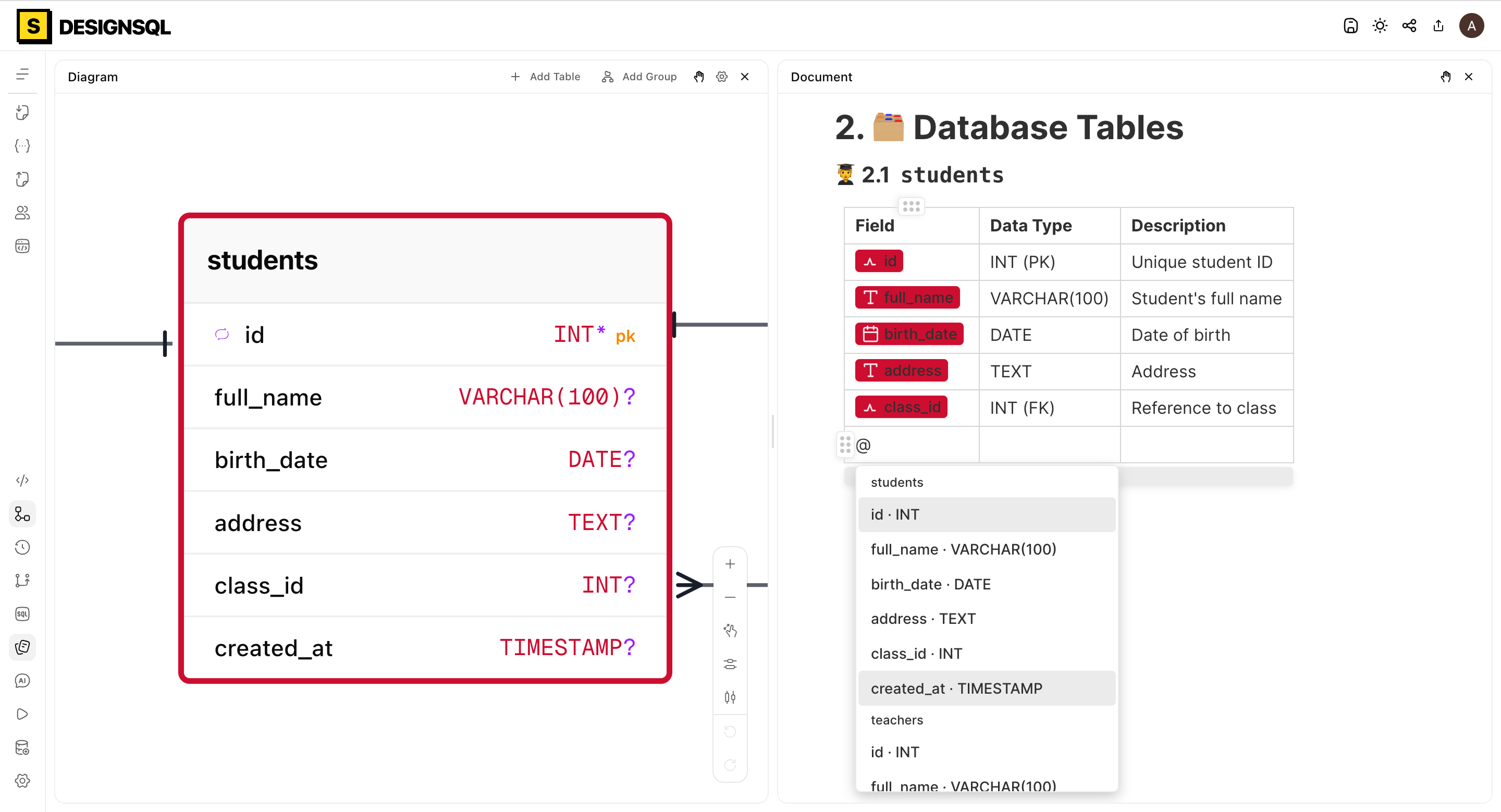
Generate a read-only preview link in one click. Share with clients, reviewers, or stakeholders — no account required. The link always shows the latest version.
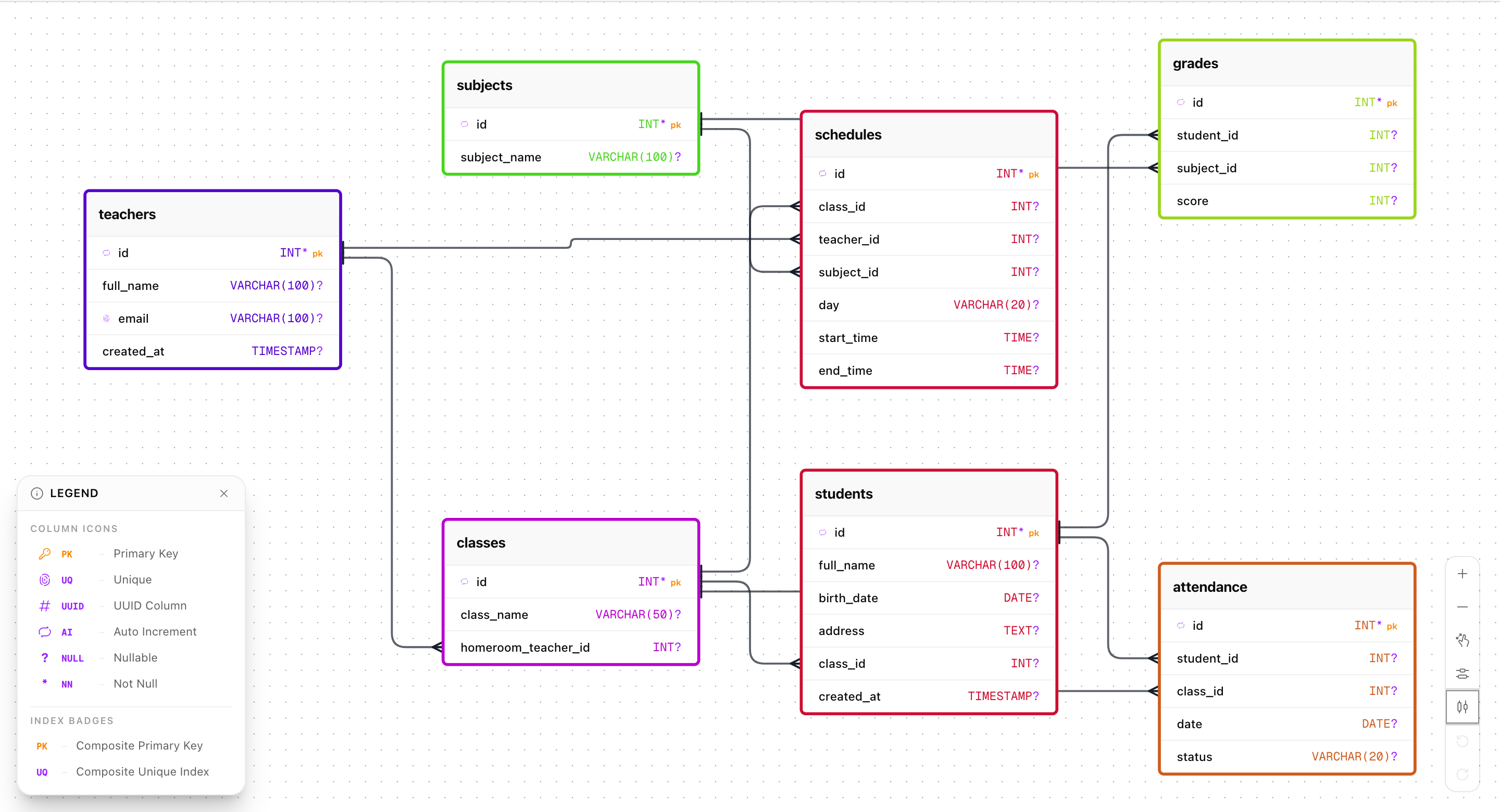
Invite team members to work on schemas together. Assign Owner, Editor, or Viewer roles. Every change is tracked with the contributor's name in the history.
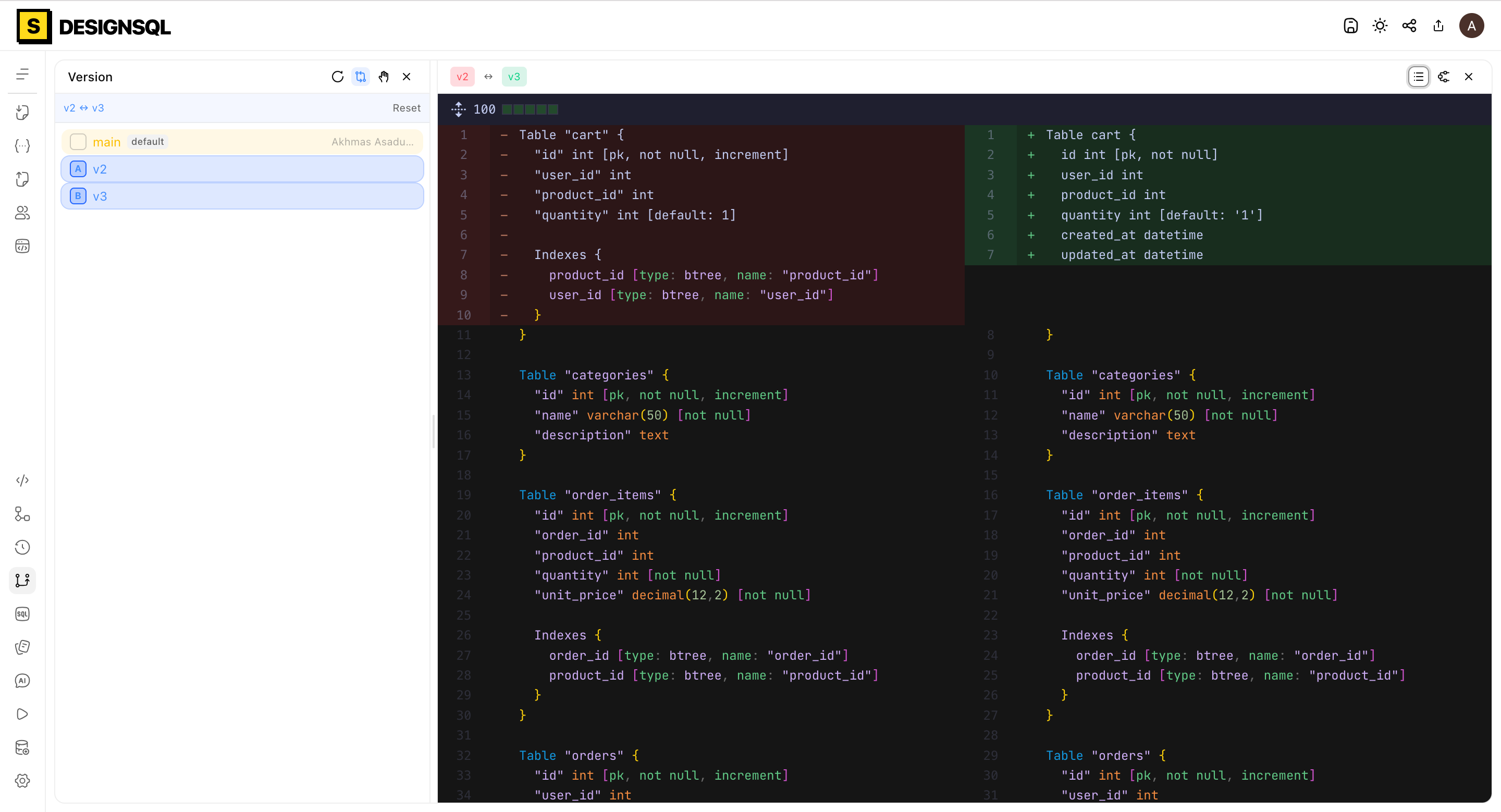
Create named version tags for milestones, compare two versions side-by-side with code diffs or visual diagram comparison, and revert to any point in your history with one click.
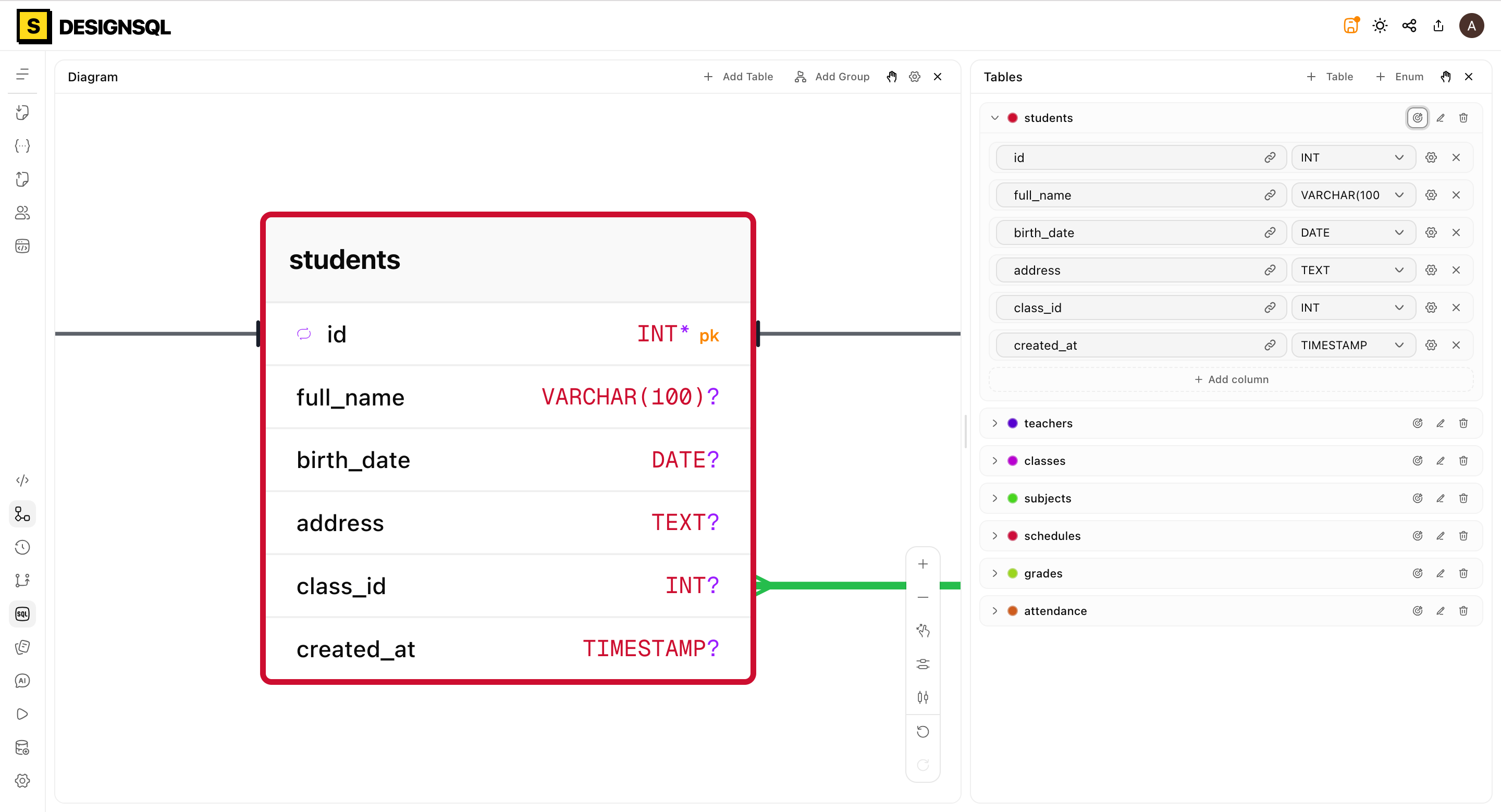
Prefer a visual interface? Add, edit, and delete columns from a structured panel. Choose from 100+ data types across standard databases — changes sync to code and diagram automatically.
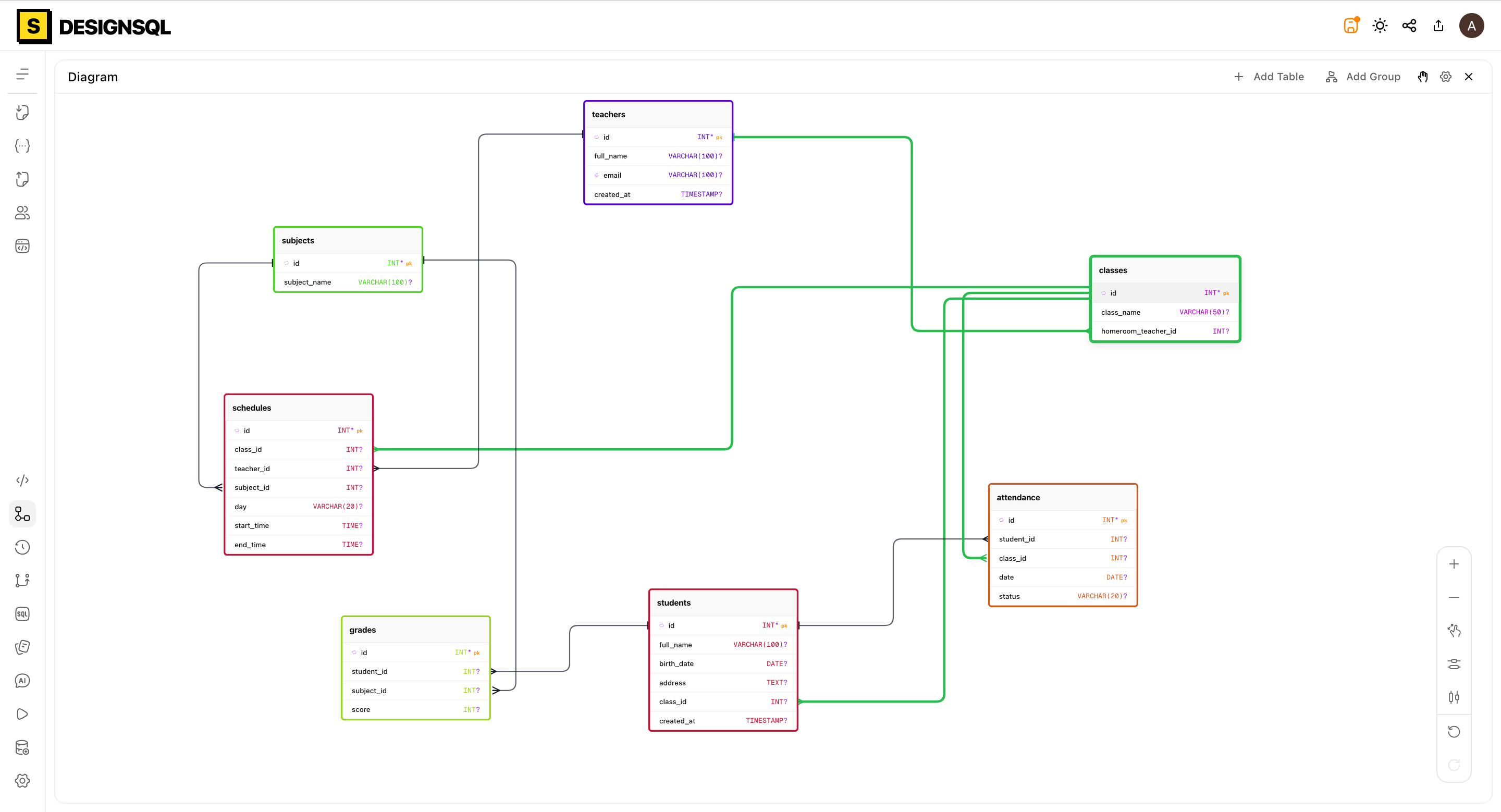
More than just a picture. Drag tables anywhere, draw relationships between columns, change cardinality with a click, and auto-layout your entire schema in one step.
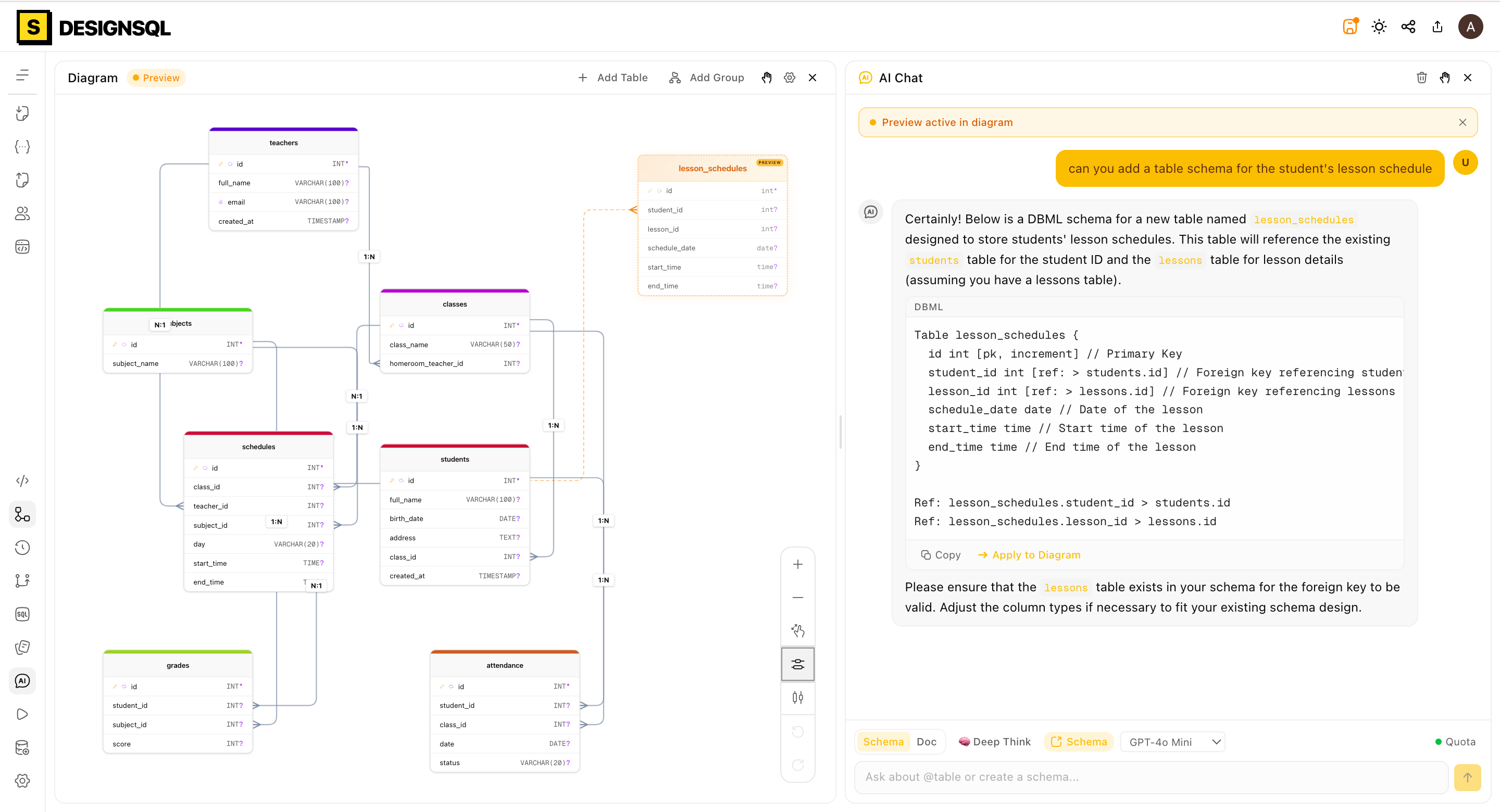
Describe what you need in plain English. The AI assistant will understand your intent and write the perfect DBML code or directly layout relationships, turning your ideas into working databases instantly.
Your diagram updates in real-time as you type. Syntax highlighting, error markers, smart autocomplete, and ready-to-use snippets included.
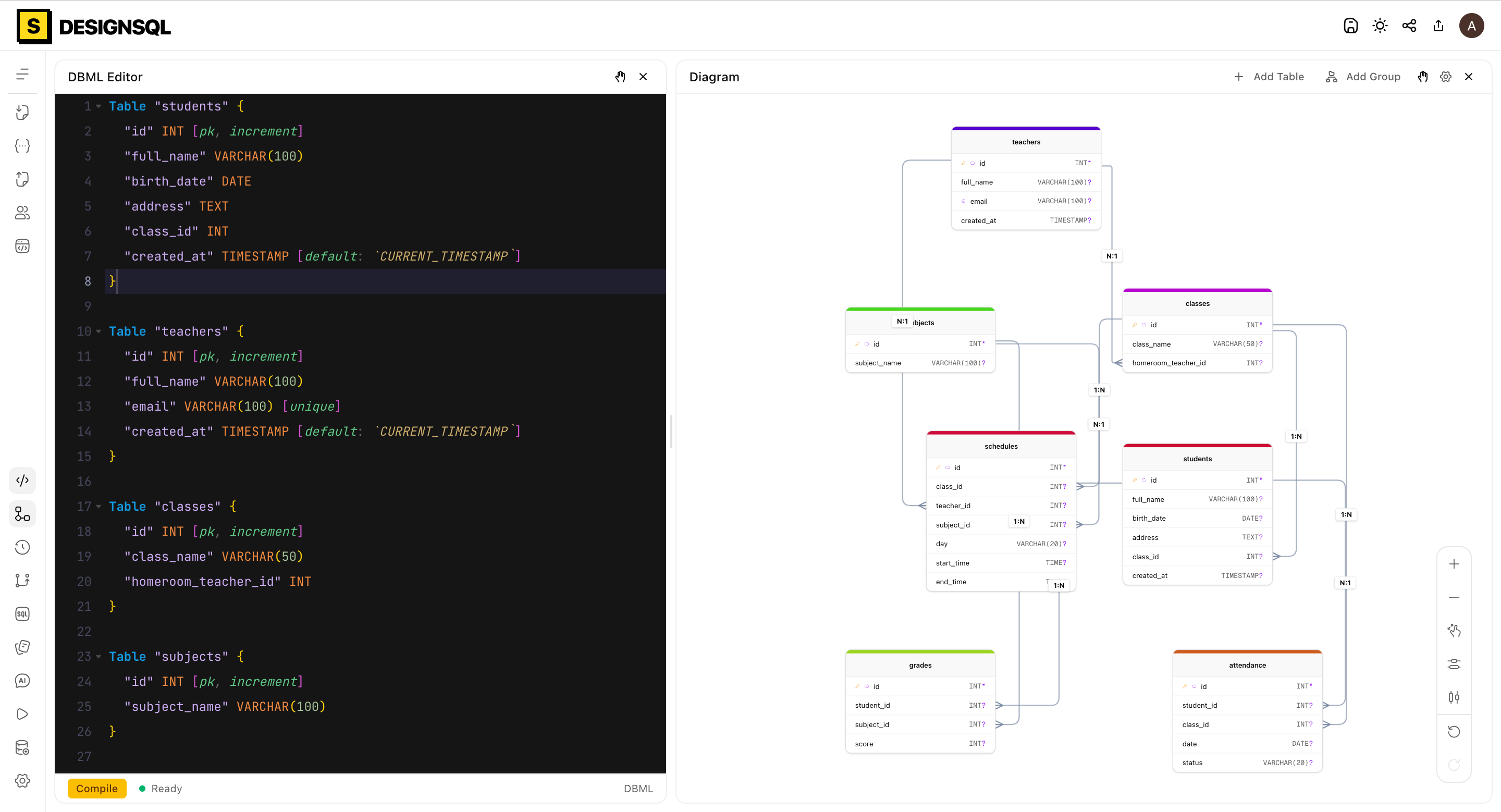
For people who live in the editor
Design and document your database schema before writing a single line of code. DBML, PostgreSQL, MySQL, and MSSQL — with schema versioning and SQL export built in.
See how engineering teams are transforming their database design workflows and eliminating schema synchronization issues.
Finally a tool that truly connects DBML code and visual diagrams. Previously we had to use two different tools and they were never perfectly in sync.
Version tags completely changed how we review database designs. Being able to compare two schema versions side-by-side before merging is a lifesaver.
The read-only preview link feature is amazing. My clients can view the latest diagram without needing an account or waiting for a PDF export.
Simple pricing, no drama. Choose the plan that fits your workflow. Start for free and upgrade when you need to.
For individuals just getting started or working on small projects.
For professional developers and database architects.
For engineering teams building a single source of truth.
10 projects with 10 tables per project.Draft ER diagrams, write DBML in plain text, and collaborate with your team in real-time. No credit card, no install — open a tab, design a schema.